AI Agents for Customer Support: A 2026 Implementation Guide
How modern AI agents resolve support tickets end-to-end — architecture, tool use, guardrails, and the metrics that actually move CSAT.
The first generation of "AI in customer support" was chatbots that answered FAQs. Anything harder, and the visitor was punted to a human queue. In 2026, AI agents do the opposite: they read the ticket, retrieve the customer's history, call your APIs to actually fix the problem, and only escalate what genuinely requires human judgement.
This guide walks through the architecture we deploy at CapraZone for support AI agents — the components, the failure modes, and the metrics that separate a demo from a production system.
What an AI support agent actually is
An AI support agent is a large language model with three superpowers a chatbot doesn't have: memory of the customer, access to your internal knowledge, and permission to take actions in your systems.
Concretely, an agent handling a shipping question can look up the order in Shopify, check the carrier's tracking API, cross-reference your refund policy, issue a store credit if warranted, and write a summary back to Zendesk — all in one turn. A classic chatbot would say "I'm sorry, I don't have access to that information."
- Perception: reads the incoming ticket, chat, email, or voice transcript
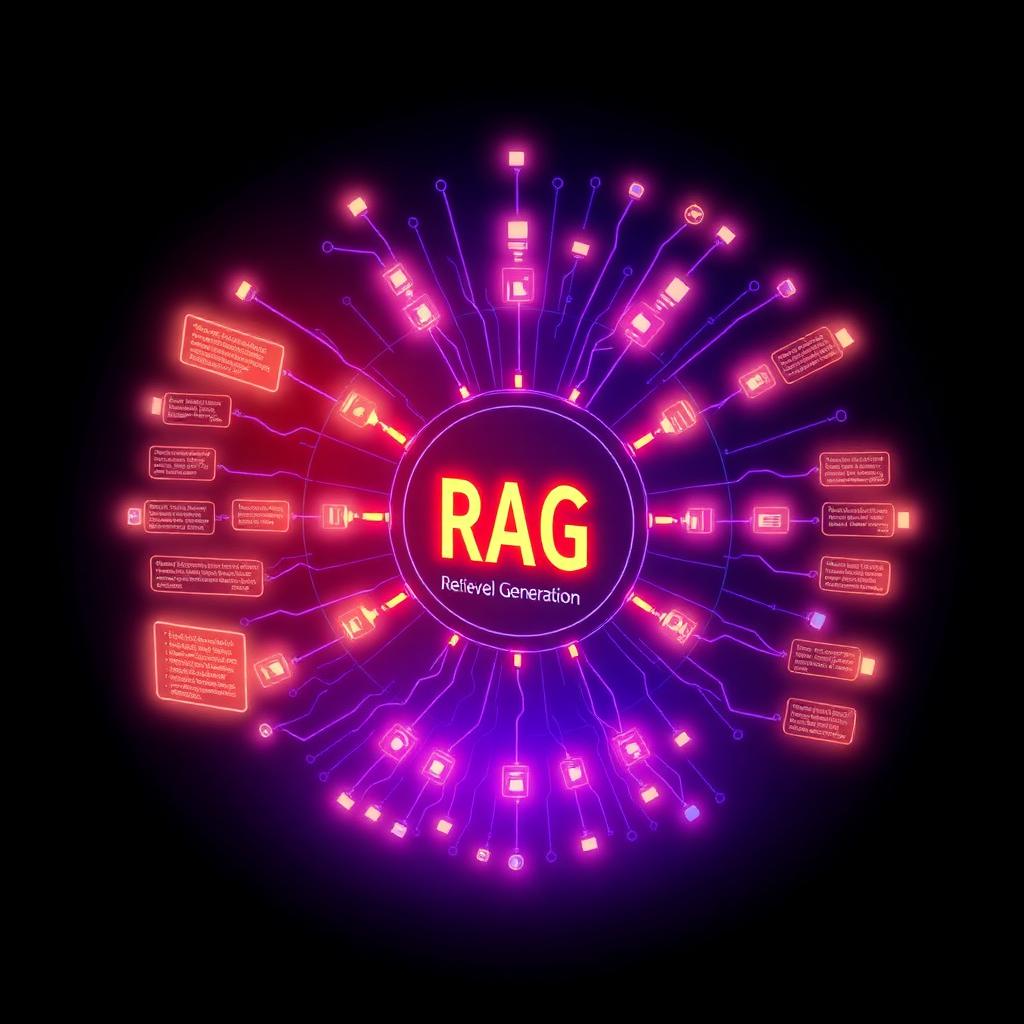
- Retrieval: pulls relevant policy, KB, and customer history via RAG
- Tool use: calls internal APIs (order, billing, CRM) with strict schemas
- Planning: chooses the next step, retries on failure, escalates when unsure
- Reporting: writes a structured resolution note the agent handoff can trust
The reference architecture
A production support agent is not a single prompt. It's a small system with clear boundaries. The stack we default to has four layers:
1) Ingress: a normalizer that turns whatever channel it came from (email, WhatsApp, Intercom, phone) into a canonical Ticket object. 2) Reasoner: the LLM policy — model, system prompt, guardrails, tool schemas. 3) Tools: typed wrappers over your APIs with idempotency keys and rate limits. 4) Memory: a vector store for KB retrieval plus a short-term conversation store keyed by customer ID.
The reasoner is the smallest layer by lines of code and the largest by risk. Everything else exists to constrain it.
Guardrails that actually work
Every serious deployment we've shipped uses layered guardrails, not a single "be helpful and safe" instruction. The pattern:
First, a pre-flight classifier decides whether the ticket is inside the agent's authority (refund under $50, order status, address change). Anything else is routed to a human before the LLM sees it. Second, tools with side effects (refund, cancel, credit) require a confirmation step — either from the customer or from a human reviewer above a threshold. Third, an output classifier scans the drafted reply for policy violations before it's sent.
This mirrors what Anthropic and OpenAI recommend in their production agent guidance and it's the difference between a tool that leaks discounts and one you'd let handle a Fortune 500's inbox.
The metrics that matter
Vanity: "conversations handled by AI." Actual: full-resolution rate (FRR), the percentage of tickets closed without a human touching them and without a re-open within seven days. FRR isolates deflection quality; the industry benchmark for a well-tuned agent in mid-market SaaS is 45–65% for tier-1 categories.
Second: contained cost per contact. Divide the total infra + model cost by resolved contacts. Sub-$0.10 is achievable when you cache retrievals and route simple intents to smaller models.
Third: customer satisfaction on AI-only threads. This should be within 5 points of your human baseline. If it's not, your escalation policy is wrong, not your prompt.
A 30-day rollout that doesn't blow up
Week 1: instrument existing tickets — tag intents, extract resolutions, measure baseline AHT and CSAT. Week 2: ship a co-pilot mode where the agent drafts replies but a human sends them. Week 3: enable auto-send for two low-risk intents (order status, tracking). Week 4: expand to refunds under a cap with confirmation flow.
Anyone who tries to skip straight from vendor demo to auto-send on day one will be back on Zendesk by month two. The staged rollout is what compounds trust with both the ops team and customers.
Reference architecture
A durable implementation separates four layers, and keeping them separate is what lets you swap any one of them later without a rebuild. The ingestion layer normalises inbound events — webhooks, form posts, inbox messages, database change feeds — into a single typed envelope. The context layer resolves that envelope against your systems of record so every downstream decision sees the same customer, account and history. The decision layer applies policy and, where appropriate, model reasoning. The action layer writes back through the same APIs a human would use, so nothing bypasses your existing validation.
Between the decision and action layers sits the part most teams under-build: the control plane. Confidence thresholds, value caps, allow-lists of permitted tools, idempotency keys, and a full audit record for every attempt including the ones that were blocked. Without it you cannot answer the two questions leadership will ask in month two — what did it do, and what stopped it doing something worse.
We build these systems on boring, well-understood infrastructure: a typed API surface, a Postgres system of record with row-level security, queue-backed workers for anything long-running, and structured event logs streamed into whatever observability stack you already pay for. The interesting part of ai agents for customer support should be the domain logic, not the plumbing. Our engineering team and our product partners at Evron Studio use the same stack across every build for exactly this reason.
- Ingestion — normalise every trigger into one typed envelope
- Context — resolve identity and history before deciding
- Decision — policy first, model reasoning second
- Control plane — thresholds, caps, allow-lists, idempotency
- Action — write back through existing validated APIs
Frequently asked questions
Do AI support agents replace human agents?
No — they absorb tier-1 volume so your humans handle the complex, high-empathy work that actually needs judgement. Every deployment we've shipped has kept the human team the same size but shifted their mix upward.
How much does an AI customer support agent cost to run?
Model + retrieval + vector storage typically lands between $0.03 and $0.15 per resolved contact at mid-market volumes. Total cost of ownership including integration is usually recovered inside 4–6 months.
Which LLM should we use for support?
Route by complexity. A small, fast model (Haiku, GPT-4o-mini, Gemini Flash) handles classification and simple intents; a frontier model handles ambiguous or high-stakes cases. Blended cost stays low without sacrificing quality.
How do we prevent the agent from hallucinating a policy?
Ground every claim in retrieved documents and reject responses whose citations don't match the answer. Combine with a policy classifier on the final draft and you eliminate the failure mode almost entirely.
What is the smallest useful first version of ai agents for customer support?
A single high-volume category, handled in suggest-only mode on live traffic, with every human correction captured as a labelled example. That version is typically live in three to four weeks and already saves drafting time while it earns the data for autonomy.
How do we avoid getting locked into one model or vendor?
Keep policy, retrieval and orchestration in your own code and treat the model as a swappable component behind an interface. Maintain an evaluation set so switching is a measured decision rather than a leap of faith.
What does CapraZone actually deliver at handover?
Source code, infrastructure as code, the evaluation suite, the observability dashboard, runbooks for every failure mode, and a training session for the internal owner. You can operate it without us, and many clients do.